Smooth and Stylish Scene Shifts: essential transition effects in Premiere

Creating smooth and professional scene transitions can be challenging, especially when you want to maintain visual flow while adding a creative touch. The Frame Transition plug-in offers a solution by allowing you to shift between scenes seamlessly, with stylish framing effects that enhance the overall aesthetic of your video.
Key Features:
• Customizable Frame Borders: Adjust frame thickness and color to suit your project’s style.
• Dynamic Frame Movement: Add fluid motion to your video transitions with adjustable frame speed and direction.
• Aspect Ratio Flexibility: Supports various aspect ratios, ensuring your video transitions look great in any format.
• Smooth Blend: Achieve seamless integration between scenes with advanced blending options.
• Real-Time Previews: Instantly see how your frame transitions affect your footage and make quick adjustments.
What can Frame Effect do for you
The Frame Transition plug-in for Premiere helps you achieve sleek and stylish scene changes that enhance the visual continuity of your edits. Whether you’re working on a documentary, corporate video, or creative project, this plug-in offers the versatility to create professional video transitions that elevate your storytelling.
Use it:
• If you have a map somewhere in your scene, you can use the point of origin function to zoom into the specific place on the map and transition to the next frame containing an in-depth view of the map.
• Another interesting idea is if you want to transition into the mind of a specific character. You, again, can use the point of origin to fix on the character's head and transition the next scene into a memory she's experiencing or an idea that just popped into her mind.
• You can use Frame Impacts for promotional product videos to creatively demonstrate some benefits of the product in action.
• Apply it in teasers & trailers to evoke curiosity for the upcoming release.
• Use it as the perfect attention-fixing transition in educational videos to creatively explore different aspects of the educational subject.
• Use it anytime you want to zoom in and frame the next scene as a more in-depth extension of the initial scene.
How Frame Effect Works
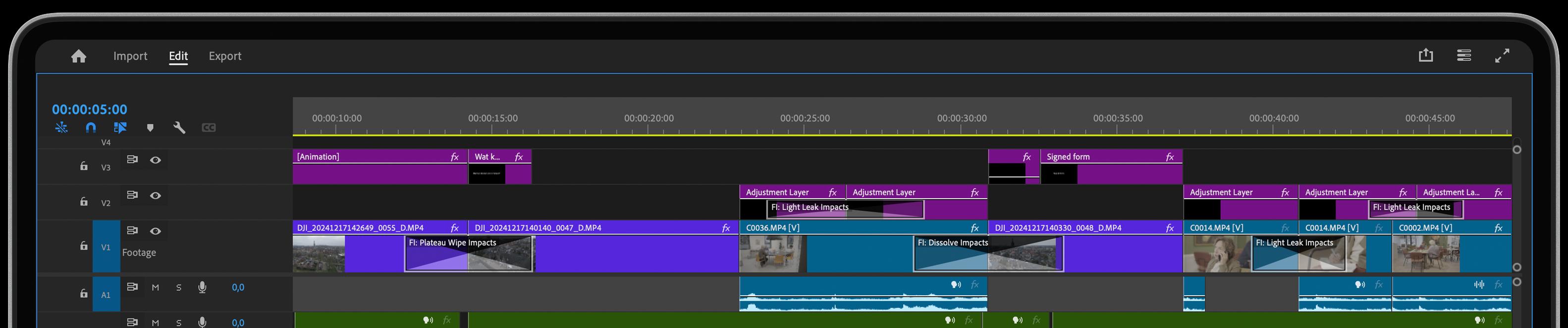
To use the Frame Transition plug-in, simply apply it to your edit points in Premiere. You can then customize the frame's appearance, adjust the transition's speed and direction, and refine blending options to achieve the perfect effect. The plug-in’s real-time preview allows you to see the video transition in action as you tweak the settings, ensuring that your final result matches your creative vision.
Get inspired!
When using Frame Impacts, you'll focus your viewers eyes on what's important and highlight the scenes that deserve the most attention. But you’ll get the best results when you use it in addition to all the other simpler wipes & transitions. Get your professional toolkit complete and up your video editing game!
Feed Your Creative Flow
One Click, Endless Variations
Boost your creativity with a single click. The "Surprise Me" feature generates random iterations of your transitions or effects, inspiring fresh ideas and unique visuals.
GPU Accelerated
Blazing-fast rendering and lower export times
Fully HDR Compatible
Our plugins are fully HDR compatible