Burn Chroma – Ignite Your Edits with Vivid Transitions

Looking to add fiery, eye-catching video transitions to your edits? Burn Chroma is the perfect tool to make your cuts blaze with color and excitement, capturing your viewers’ attention. Transform dull transitions into bold, vibrant moments with ease.
Key Features:
• Bold, colorful video transitions for dynamic cuts
• Customizable burn speed and intensity
• Seamless color blending for smooth transitions
• Full control over color palettes
• Real-time playback for instant feedback
What Can Burn Chroma Do for You?
Burn Chroma sets your transitions ablaze with vivid colors that smoothly blend between scenes. This tool helps you create energetic, striking effects, perfect for music videos, sports edits, or any project that needs a powerful visual punch. It allows you to customize the burn speed, intensity, and colors, making it ideal for editors looking to add a creative spark to their workflow
How Does Burn Chroma Work?
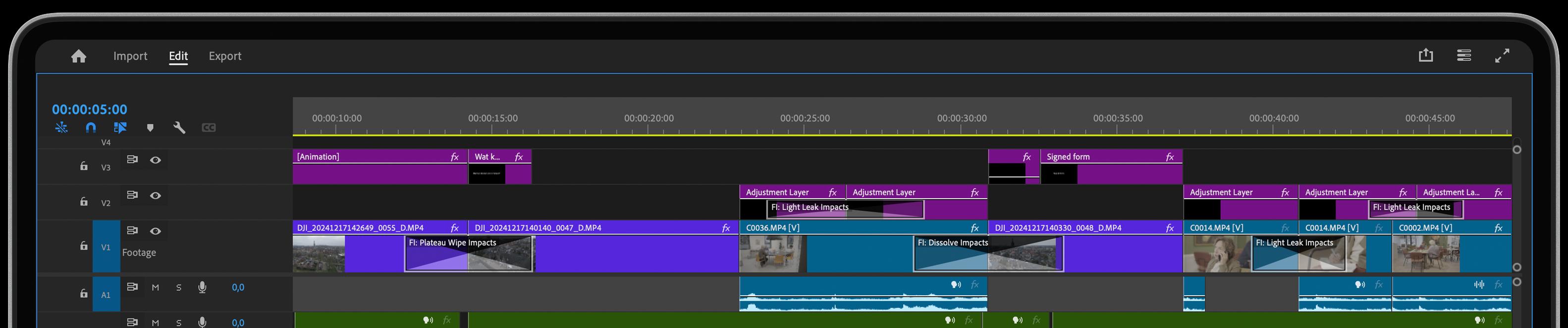
Using Burn Chroma is simple—just drag and drop the video transition between clips in Adobe Premiere. From there, you can easily tweak the burn intensity, speed, and color palette to fit the tone and style of your project. With real-time previews, you can see how the effect enhances your transitions instantly, giving you complete creative control without any guesswork.
Get inspired!
This video transition effect for Premiere is part of our Essentials collection. It has been rewritten completely from scratch with new features and improvements, making use of the latest GPU acceleration technology for maximum performance. Check the collection!
Feed Your Creative Flow
One Click, Endless Variations
Boost your creativity with a single click. The "Surprise Me" feature generates random iterations of your transitions or effects, inspiring fresh ideas and unique visuals.
GPU Accelerated
Blazing-fast rendering and lower export times
Fully HDR Compatible
Our plugins are fully HDR compatible