Blur Dissolve for Premiere

Looking to smooth out video transitions between scenes without losing focus? Blur Dissolve delivers a sleek and polished way to guide your viewers from one shot to the next. It's the perfect solution when hard cuts feel too abrupt and you need a more fluid, elegant transition.
Key Features:
• Smooth, gradual blur effect for video transitions• Fully adjustable blur intensity and duration• Real-time preview for instant feedback• Easy drag-and-drop functionality• Seamless integration with Adobe Premiere
What can Blur Dissolve do for you?
Blur Dissolve helps you soften transitions in a way that maintains your video's flow. This effect blurs the outgoing shot as it dissolves into the next, adding a sophisticated touch of smoothness and continuity. Whether you want to emphasize the passage of time or create a dream-like effect, Blur Dissolve enhances your edits without distracting from the content.
How does Blur Dissolve work?
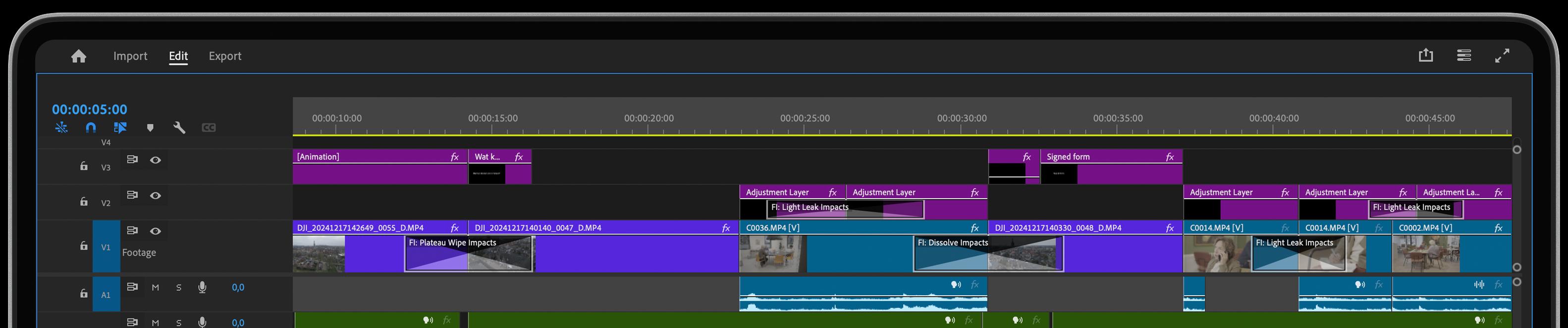
Applying Blur Dissolve is a breeze—just drag and drop it onto your timeline. You can adjust the blur intensity and video transition duration to perfectly match your scene's mood. With the real-time preview, you can instantly see how the effect enhances your edit, allowing you to fine-tune it with precision. It's an elegant yet powerful tool to keep your video transitions engaging and polished.
Good to know!
This video transition, part of our must-have Essentials collection, has been rewritten completely from scratch with new features and/or improvements and makes use of the latest GPU acceleration technology for maximum performance.
Feed Your Creative Flow
One Click, Endless Variations
Boost your creativity with a single click. The "Surprise Me" feature generates random iterations of your transitions or effects, inspiring fresh ideas and unique visuals.
GPU Accelerated
Blazing-fast rendering and lower export times
Fully HDR Compatible
Our plugins are fully HDR compatible