Grunge – Add Raw, Gritty Texture to Your Edits

Want to bring an edgy, rugged feel to your videos? Grunge Impacts adds a raw, textured effect that instantly transforms clean footage into something more gritty and stylized. Perfect for creating a bold, rebellious look in your projects.
The gritty facts about Grunge Impacts:
- Gritty, textured transitions for an edgy feel
- Fully customizable intensity and texture style
- Ideal for music videos, action scenes, or artistic projects
- Easy drag-and-drop functionality
- Real-time previews for fast adjustments
What Can Grunge Do for You?
Grunge adds a powerful, raw texture to your video transitions, giving your footage a rebellious, hard-hitting look. Whether you’re editing music videos, action sequences, or creative films, this effect delivers bold, gritty visuals that make an impact. Customize the intensity and type of texture to match the tone of your project, allowing you to enhance your edits with a unique, stylish edge.
How Does Grunge Work?
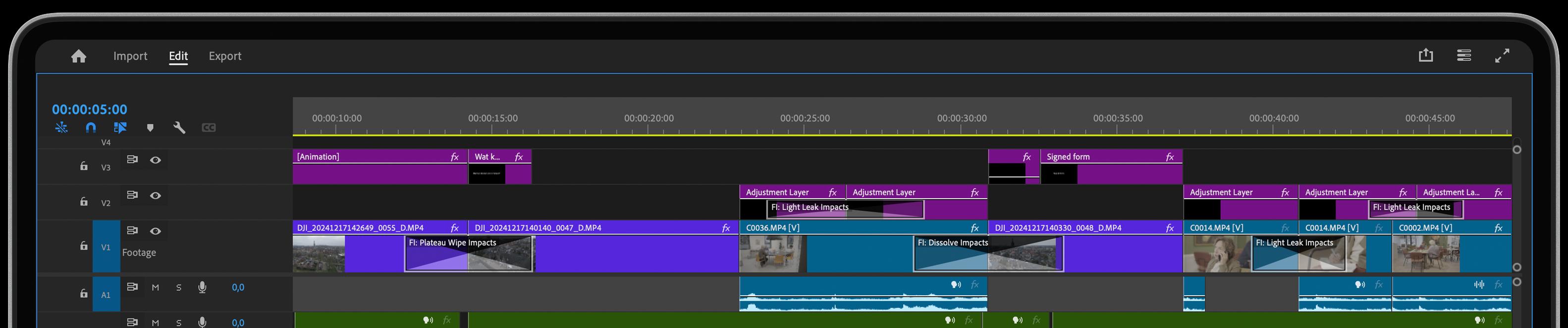
Using Grunge in Adobe Premiere is simple and intuitive. Just drag and drop the effect onto your footage or between clips to instantly add a textured, rugged look. Adjust the intensity and texture style to fit the mood of your video. With real-time previews, you can see the effect in action immediately, making it easy to fine-tune your video transitions for maximum visual impact.
Get inspired!
Do you feel lucky? Just press the Surprise Me button. You will instantly be inspired with what this video transition can do for you.
Feed Your Creative Flow
One Click, Endless Variations
Boost your creativity with a single click. The "Surprise Me" feature generates random iterations of your transitions or effects, inspiring fresh ideas and unique visuals.
GPU Accelerated
Blazing-fast rendering and lower export times
Fully HDR Compatible
Our plugins are fully HDR compatible
Intuitive Video Transitions
Transform your transitions with powerful features designed to enhance precision, speed, and creativity.
Visual Curve Editor
Take control of advanced motion curves with our intuitive Visual Curve Editor. No complex math or tedious keyframes— just create stunning visuals in a fraction of the time!
One Click, Endless Variations
Boost your creativity with a single click. The "Surprise Me" feature generates random iterations of your transitions or effects, inspiring fresh ideas and unique visuals.
GPU Accelerated
Blazing-fast rendering and lower export times