Add Dynamic Disruptions to Your Edits

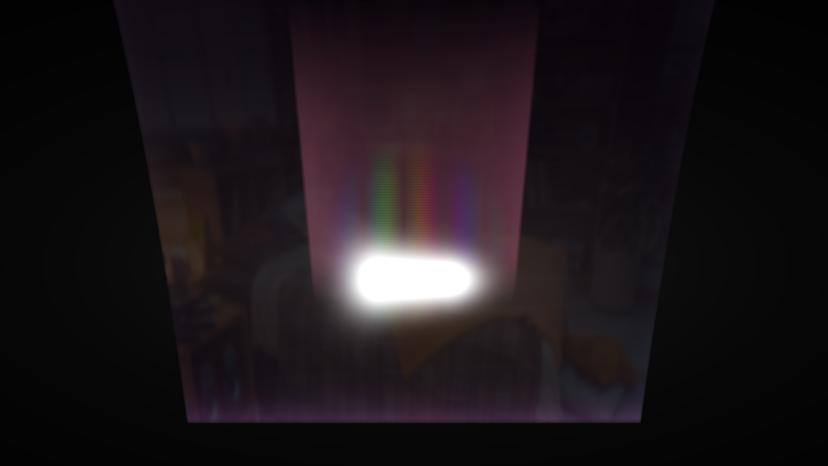
As a video editor, creating a dynamic and attention-grabbing visual experience is crucial. Yet, achieving that perfect, controlled chaos in your transitions can be challenging. The Glitch Effect plug-in is your solution to introducing energetic and edgy disruptions to your footage, perfect for music videos, trailers, or edgy content.
Key Features of this amazing plugin:
• Customizable Glitch Patterns: Tailor the glitch intensity and style to match your creative vision.
• Frame Shift Controls: Effortlessly adjust frame shifts to create that authentic digital distortion.
• Chromatic Aberration: Add color fringing effects to simulate realistic screen imperfections.
• Speed Variations: Play with glitch speed, from subtle interruptions to rapid, frantic glitches.
• Random Seed Generator: Ensure each glitch effect is unique with randomized distortion patterns.
What can Glitch do for you?
The Glitch Effect plugin for Premiere brings an electrifying energy to your edits. Whether you're aiming to simulate a digital malfunction or add an edgy vibe, this tool delivers precise control over glitch intensity, color aberrations, and frame disruptions. It's perfect for editors who want to create a jarring, yet visually captivating experience.
How Glitch Works
The Glitch Effect plug-in integrates seamlessly into Premiere. Once applied, you'll have access to a range of parameters like glitch intensity, speed, and chromatic aberration. Customize these settings to craft the perfect glitch effect, or use the random seed generator for unpredictable results. With real-time previews, you can instantly see how your adjustments affect the footage, allowing for rapid experimentation and fine-tuning.
Get inspired!
You should use this high performance glitch effect when you want to create a specific mood in your video. Video creators use it for instance when they want:
- to create a sense of disharmony
- to show a replay of scenes or clips
- to create artistic aesthetics (Glitch Art)
- to simulate video recording fail after a huge impact
- to grab the viewer’s attention
- to evoke a sense of nostalgia
Now, learn to do it yourself. Watch this tutorial!
Feed Your Creative Flow
One Click, Endless Variations
Boost your creativity with a single click. The "Surprise Me" feature generates random iterations of your transitions or effects, inspiring fresh ideas and unique visuals.
GPU Accelerated
Blazing-fast rendering and lower export times
Fully HDR Compatible
Our plugins are fully HDR compatible