Slice – Sharpen Your Video transitions with Bold, Dynamic Cuts

Looking to add sharp, precise transitions to your edits? Slice offers a fast and stylish way to cut between scenes with bold slicing effects, perfect for high-energy projects. This effect ensures your transitions are as crisp as your storytelling.
Key Features:
- Sharp, dynamic slice video transitions
- Customizable slice direction, speed, and thickness
- Clean, precise cuts for high-energy edits
- Real-time previews for instant feedback
- Seamless integration with Adobe Premiere
What Can Slice Do for You?
Slice gives your video transitions a sleek and professional edge by cutting through scenes with precision. Whether you’re working on action sequences, commercials, or music videos, this video transition keeps your edits fast-paced and visually exciting. The customizable settings allow you to control the direction, speed, and thickness of each slice, making it perfect for creating smooth yet impactful cuts that stand out from the norm.
How Does Slice Work?
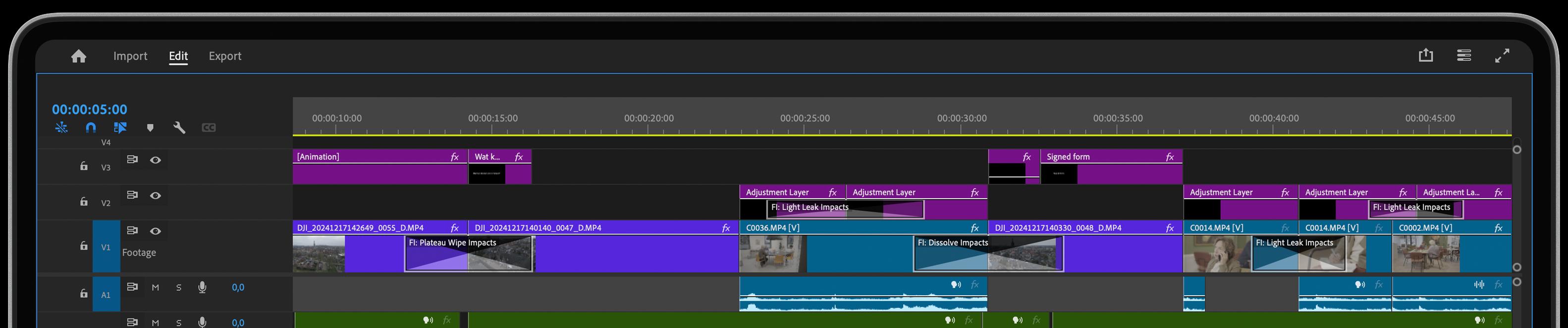
Applying Slice in Adobe Premiere is simple and intuitive. Just drag and drop the effect between your clips, and customize the slice’s direction and speed to match the rhythm of your edit. You can adjust the thickness of the slice for a subtle or bold look, and with real-time previews, you’ll see every adjustment immediately, ensuring your transitions are sharp and seamless.
Get inspired!
Get your slice of the pie and start your unrestricted access now. It’s free for 30 days, so lots of time to try things out.
Feed Your Creative Flow
One Click, Endless Variations
Boost your creativity with a single click. The "Surprise Me" feature generates random iterations of your transitions or effects, inspiring fresh ideas and unique visuals.
GPU Accelerated
Blazing-fast rendering and lower export times
Fully HDR Compatible
Our plugins are fully HDR compatible