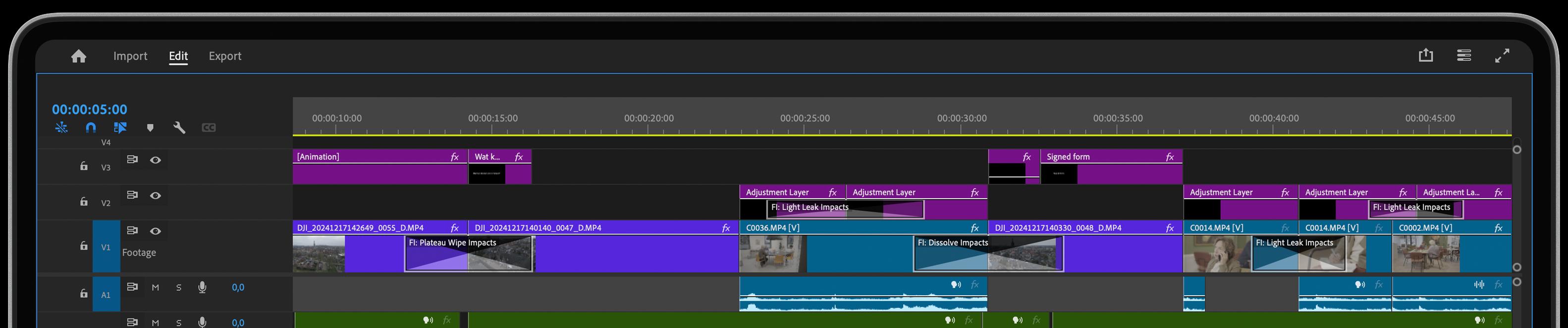
Directional Blur – Add Motion and Focus with Precision
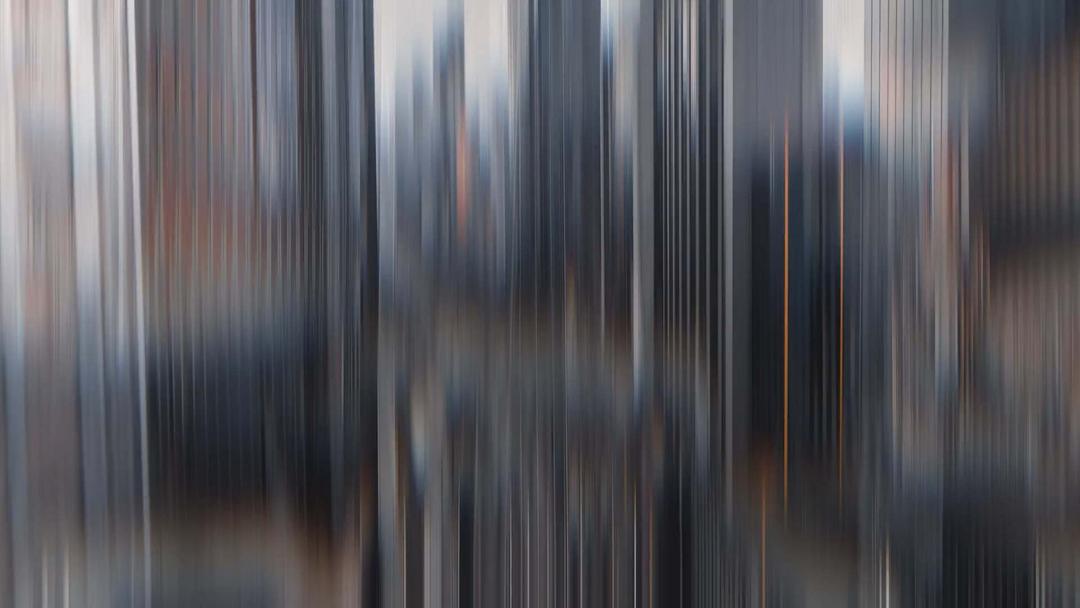
Need to guide your audience’s attention or add dynamic movement to your shots? Directional Blur gives your video transitions and scenes a sleek, professional touch by applying customizable blur along any axis. Perfect for adding motion or focusing attention on key elements.
Key Features:
- Perfect for adding motion or focus to transitions
- Customizable blur in any direction
- Adjustable intensity and blur length
- Unique Slicing and Chromatic Aberration features
- Real-time previews for easy fine-tuning
- Seamless integration with Adobe Premiere
What Can Directional Blur Do for You?
Directional Blur enhances your videos by adding sleek, motion-based blur to your video transitions or scenes, giving your footage a dynamic feel. This effect is ideal for action-packed sequences, creative transitions, or when you want to soften certain areas to guide your audience’s attention. With full control over the direction and intensity of the blur, it’s a versatile tool that works perfectly across different project types, from commercials to music videos.
How Does Directional Blur Work?
Using Directional Blur in Adobe Premiere is simple—drag and drop the effect onto your clip, then adjust the blur direction and intensity to suit your scene. Whether you need a subtle blur or a bold, sweeping effect, real-time previews make it easy to see your adjustments instantly, giving you full creative control over the final result. It’s the perfect way to add fluid motion or highlight important details in your edits.
Get inspired!
Direction Blur Impacts (and Radial Blur Impacts) also comes with a Slicing-Feature. This really adds a cool modern touch to your video transitions. Wanna know how it works? Check out the slicing feature.
Feed Your Creative Flow
One Click, Endless Variations
Boost your creativity with a single click. The "Surprise Me" feature generates random iterations of your transitions or effects, inspiring fresh ideas and unique visuals.
GPU Accelerated
Blazing-fast rendering and lower export times
Fully HDR Compatible
Our plugins are fully HDR compatible