Pull Motion – Create Dynamic, Engaging Video transitions
Need a sleek, eye-catching way to move between scenes? Pull Motion provides smooth, directional transitions that seamlessly draw your audience’s focus from one shot to the next. It’s perfect for adding fluidity and visual interest to your edits.
Key Features:
- Smooth pull video transitions in any direction
- Customizable speed and motion blur for realism
- Fully adjustable to match the energy of your project
- Real-time previews for instant feedback
- Optimized for Adobe Premiere
What Can Pull Motion Do for You?
Pull Motion adds a dynamic flow to your video transitions, smoothly pulling one scene out and bringing the next one in. This effect is perfect for projects that need energetic, directional movement—whether it’s fast-paced action sequences or sleek corporate videos. With its ability to adjust speed, direction, and motion blur, Pull Motion ensures your video transitions feel polished and professional while keeping viewers engaged.
How Does Pull Motion Work?
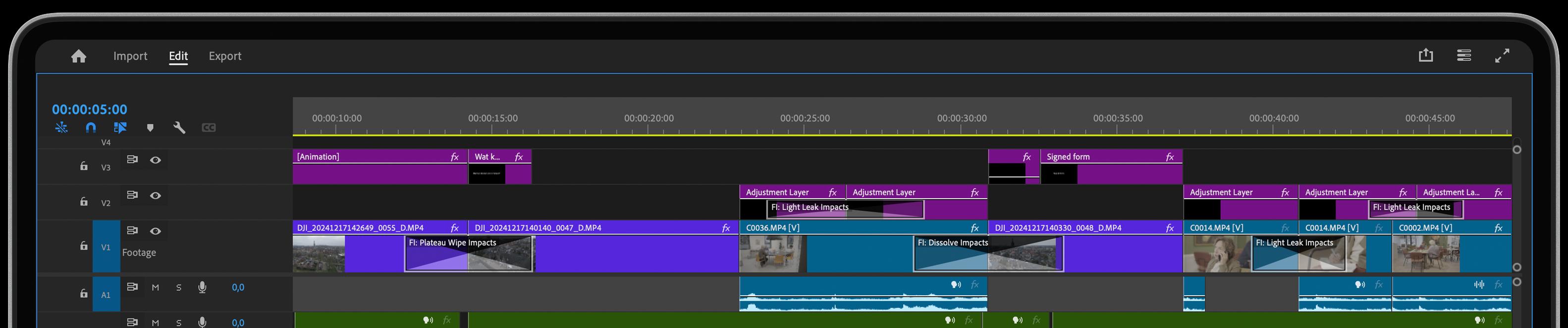
Using Pull Motion in Adobe Premiere is simple—drag and drop the effect between clips, and choose the direction and speed of the pull to suit your scene. You can add motion blur for extra realism and adjust settings in real time, so your video transitions fit seamlessly within your project. With just a few tweaks, you’ll have smooth, impactful cuts that keep your edit flowing effortlessly.
Get inspired!
Get the full introduction to our supersmooth Animation Series right here. Then you’ll discover why our Motion Impacts are often praised by industry professionals and video editors, making them among the most versatile and easy to use video transitions available on the market.
Intuitive Video Transitions
Transform your transitions with powerful features designed to enhance precision, speed, and creativity.
Visual Curve Editor
Take control of advanced motion curves with our intuitive Visual Curve Editor. No complex math or tedious keyframes— just create stunning visuals in a fraction of the time!
One Click, Endless Variations
Boost your creativity with a single click. The "Surprise Me" feature generates random iterations of your transitions or effects, inspiring fresh ideas and unique visuals.
GPU Accelerated
Blazing-fast rendering and lower export times