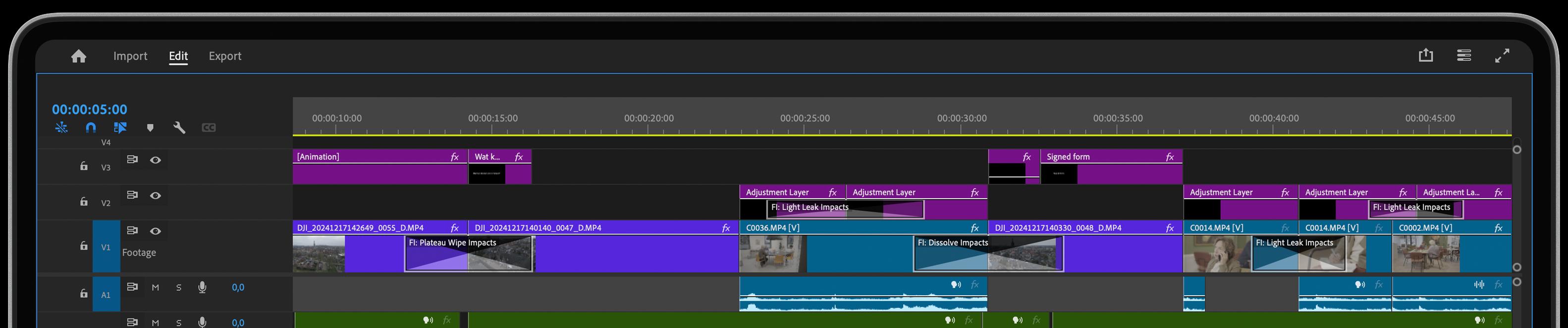
Add focus and drama with Vignette FX


Looking to draw your viewers’ eyes to the center of the frame while adding a cinematic feel? Vignette FX is the perfect tool for subtly darkening the edges of your shot to create focus, mood, and a more professional look. Whether it’s a dramatic scene or a gentle transition, Vignette FX enhances your visuals with ease.
Check out these features:
- Customizable vignette shape and intensity
- Smoothly darken or lighten edges of the frame
- Real-time adjustment for instant feedback in Premiere
- Perfect for creating mood or adding cinematic flair
- Works seamlessly on any type of footage
What does Vignette FX do for you?
Vignette FX allows you to control how your audience experiences each shot, focusing their attention exactly where you want it. By softly darkening or lightening the edges, you can emphasize the subject, add dramatic flair, or subtly transition between scenes. This plug-in gives you the creative control to add both style and focus, elevating your edits with a professional, cinematic touch.
How does Vignette FX work?
Applying Vignette FX is as easy as dragging it onto your clip and adjusting the radius, intensity, and position of the vignette. You can customize the effect to perfectly match your desired look, from subtle soft edges to bold, dramatic shading. With real-time previews, you get immediate feedback, making it quick and simple to achieve the exact mood and focus you need in Adobe Premiere.
Get inspired!
The artistry lies in its subtlety. A vignette isn't an all-consuming effect. Rather, it dances along the edges, lending depth and dimension to the visuals. Think of it as a maestro's baton, conducting your audience's emotions. Sounds like something you would want to have in your toolbox, doesn’t it?
Effortless Control and Ease of Use
One Click, Endless Variations
Boost your creativity with a single click. The "Surprise Me" feature generates random iterations of your transitions or effects, inspiring fresh ideas and unique visuals.

Guided Overlays
Enhance your accuracy with visual overlays that guide your adjustments. Whether it’s rotation points, feather areas, or transition axes, our overlays provide a clear visual reference to make your edits more precise and effective.
GPU Accelerated
Blazing-fast rendering and lower export times