Tips & Tricks
Animation Tutorial
Motion Graphics
How to Animate Your Logo in Premiere | Example 02
Just enjoy creating cool and dynamic animations. Experience fast render and export times. Adjust your animations visually. Stay comfortable within your favorite editing application.

Back in the days whenever you wanted to reveal photos, texts, and logos, you needed to choose between either using Keyframes or take a round-trip to After Effects. That’s all over now! Having a professional logo reveal will make your brand stand out. In this tutorial, I will show you the second example of a beautiful logo reveal.
Before you start, make sure your EPS file has been converted to a layered PSD file.
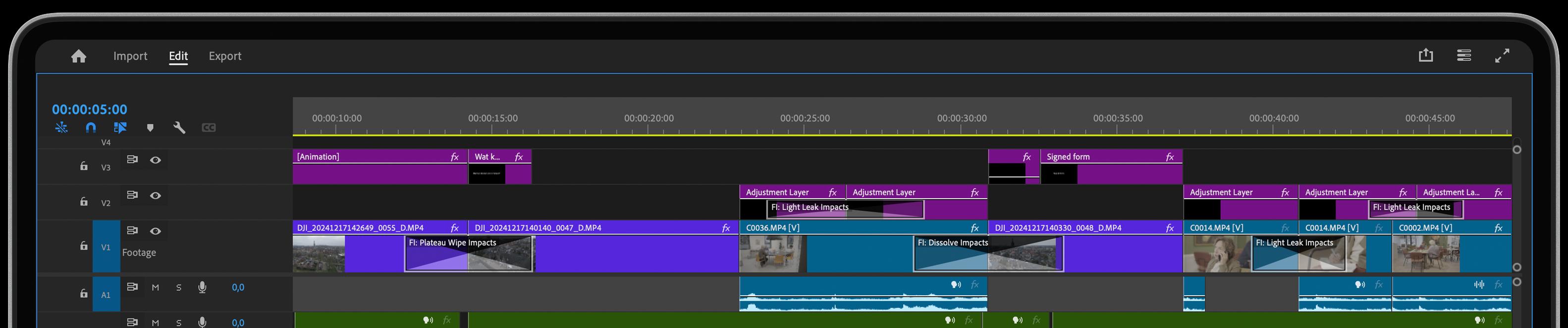
During this tutorial, we use the Film Impact video transitions of our animation series.
Check out more logo animation tutorials: