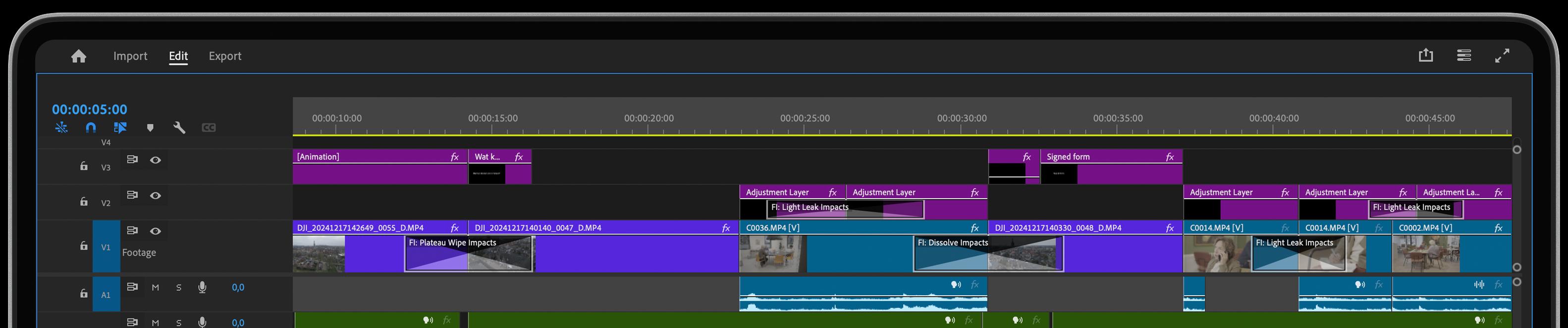
Premiere 5 Updates: Optimize Your Workflow

What Adobe brought about with the new year’s updated version of Premiere will inevitably improve your workflow and make editing videos easier and more efficient.Let's take a look at the Top 5 New features of Premiere CC 2022, so you can start taking advantage of the updates and make editing easier for yourself.
Automatic Music Remix
We all have times when we spend a bit too much time trying to adjust our cuts to the beat or trying to figure out which will be the best way to cut down a song into a smaller version that fits perfectly to our sequence.
One of the best new features Premiere has to offer with the 2022 version is that we can now decrease or increase the duration of a song automatically with just a few clicks by using the Remix tool.
Not only that, you can even play around with the customize sliders to create different mixes from the same songs. To use the Remix tool, simply go to 'Essential Sound' > Edit > Music > Duration'. Try it and tell us if you are you excited about it.
Speech To Text
Do you want your video to have captions? You no longer need to transcribe the video manually as Premiere can now transcribe the speech in your video into a text for you to save you plenty of time. This new feature works really good but if you do notice a mismatch, you can easily make corrections to the transcript manually to fix it up real quick.
To add a subtitle track to your timeline, simply go to 'Window > Text > Transcribe sequence'. You can then 'Create Captions > Create' and your captions will be added to the sequence in sync with your video.
Simplify Your Sequence
Sometimes when we work we end up with a mess and that’s okay as long as we don’t have to share it with others right after we finished our first stage of working on the project. However, sometimes we will need to share our project immediately. So what do we do?
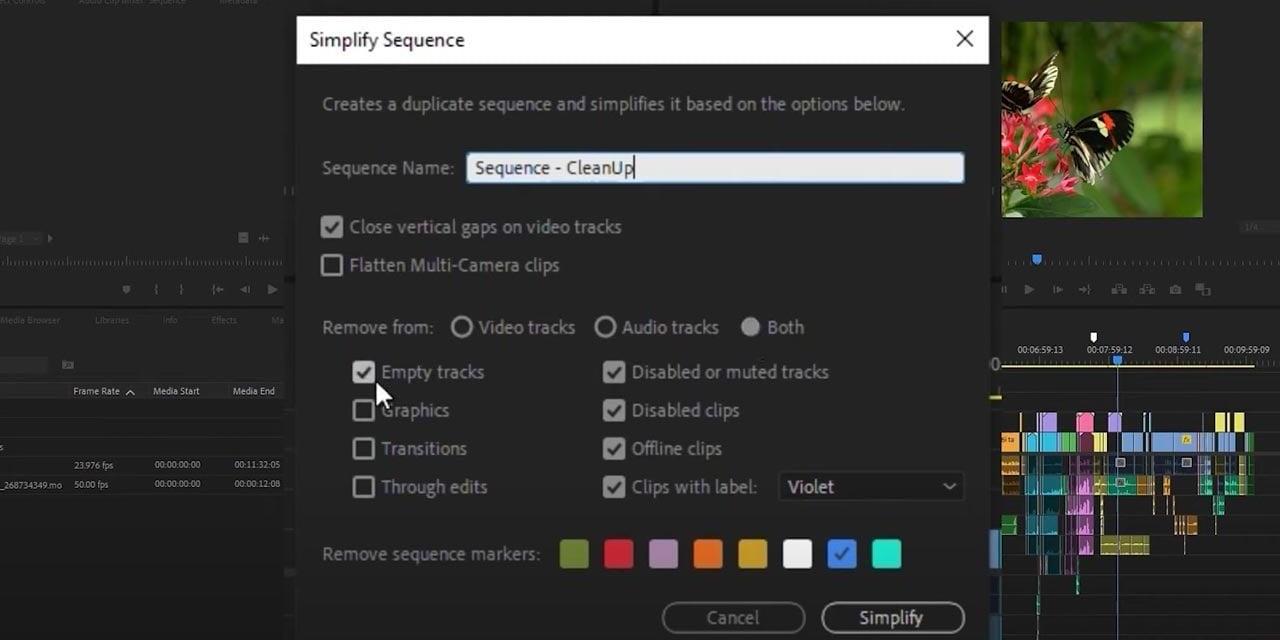
Premiere now made it easier to create a clean copy of your sequence with 'Simplify Sequence'. It makes your whole timeline more minimalistic by removing any muted audio, empty tracks, disabled clips, or any user-specific elements.
To create a simplified version of your sequence, go to 'Sequence > Simplify Sequence...' > choose the parameters you’d like to remove > 'Simplify'. Make sure to integrate this into your work. It’ll definitely help.
New Export Workflow
The export works the exact same way as before but what’s new is that it’s simplified. A whole bunch of Presets is removed from the list but you can still access them and you can now choose which presets you’d like to see. Although it is a small change, it is a big improvement.
To export your project, select the sequence you’d like to export > choose 'Export' from the new header bar > Select a destination for the video (in the left column) > you can customize the export setting (optional) > 'Export'.
By the way, the new, improved export also has optimized export settings, based on your export destination. Efficiency levels jump to infinity!
Get to work on these 5 New Premiere Features
This is what our favorite video editing software is introducing in 2022. Please note that although most of them are already officially added to Premiere CC 2022, some of them might not still be fully released. However, that’s only temporary.
So, what do you think? Are you excited about these new features? Our team is! Now we have even more ideas on how we can optimize our tool to further accelerate your workflow in Premiere.
Happy editing!