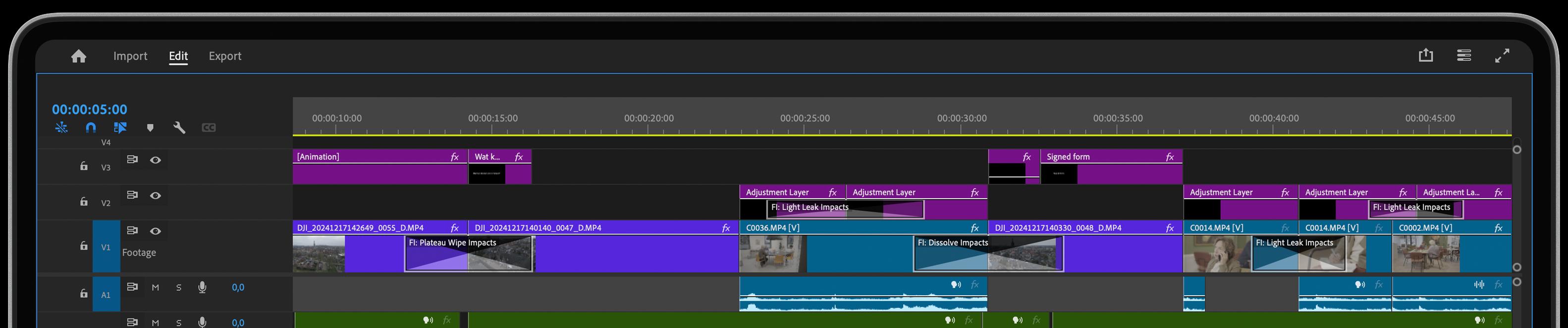
If you have been with us for a while, you know that our team of mad scientists has always given their best to produce out-of-this-world effects and transitions. So, you can imagine our excitement when we decided to update Film Impact to version 4.6.
Open up your toolbox and get ready.
It’s been a while since we've made this decision and laid down the fundamentals of this update. Our team has worked relentlessly and tirelessly to bring you only the best of the best from Film Impact.
Let’s dive deep into Film Impact's V4.6. It brings 3 new tools to your professional toolbox, meant to empower your creativity and elevate your final production. Let’s discuss how you can use them to their full potential. Your new line-up:
Text Animator Tool.
Create Professional Text Animations In Seconds
The normal text animation effect inside Premiere Pro simply isn't as good as we want it to be. And creating a tailored text animation requires a lot of time and energy. And who wants to spend extra time and energy with small details when they can be used for something better, right?
This is where our newly crafted Text Animator comes in! You now can seamlessly create an endless variety text effects With A Single Click Of A Button. That’s right! We have included over 10 unique, professional-looking presets for you to choose from. Just choose one and see how your text animates before your eyes.
To apply the Text Animator tool just head over to the Effects section > Video Transitions > Film Impact Smart Tools, and locate the Text Animator tool. Now drag and drop the Text Animator tool on your text track. Then all you have to do is choose one of the presets we’ve already made for you.
But hey, if you feel like you want something a bit more special, don’t worry we got you covered. Right below the presets dropdown button you will find the Surprise Me button. It takes you through one of the million iterations you can accomplish in a mere second. Enjoy a randomly-created, professional-looking Text Effect everytime you hit that button.
Fold Impacts.
Fold Anything In Any Direction
Ever wondered how you can create a 'storybook effect' in your videos? Well, look no further! With Fold Impacts you can fold your video in absolutely any direction you desire.
From left to right, top to bottom or even diagonally - the sky’s the limit. The Smart 3D Motion Blur technology ensures a really elegant and smooth transition, taking your viewer into wonderland.
You can create a storybook effect by using a 'from right to left' fold, giving the impression that a book is being flipped through. You can also create a 'calendar effect' by using a 'from top to bottom' fold. Just imagine all the great stories you can tell like this!
Mirror Impacts.
Modern Looking Mirror Transition
We all love a good mirror transition, don’t we? There is some irresistible magic in the mirror world and all professional video producers know how to perfectly place a mirror transition into their productions.
But let’s face it, many of the current mirror transitions feel old and obsolete. That's history now. With our new Mirror Impacts tool you can create a stunning mirror effect literally in a second.
Just apply the transition into the track and see how it looks out of the box! It will absolutely amaze you! You can furthermore customize the transition to your liking by adjusting some of the controls. But, in all modesty, we don’t think you’ll have to.
Again, you can play around and experiment with the Surprise Me Button to land on some really epic, mind-blowing transition. And all of this done in a second!
Powertools in your hands
You now have 3 new top-tier, professional-looking Film Impact tools to bring some extra spark into your already amazing video productions. And all of them can be applied and used within seconds.
No more wasting 30 minutes or more to set-up an effect. You can have it within 3 seconds! And if you don’t like it? Well, then just play around with the Surprise Me button.
The power is in your hands and the creativity in your mind. It’s your turn now. Show us what you got!